
Magnetic Sliding Door Operator Selection: A Buyer’s Specification Checklist
 11/05/2026, 11:03 AM
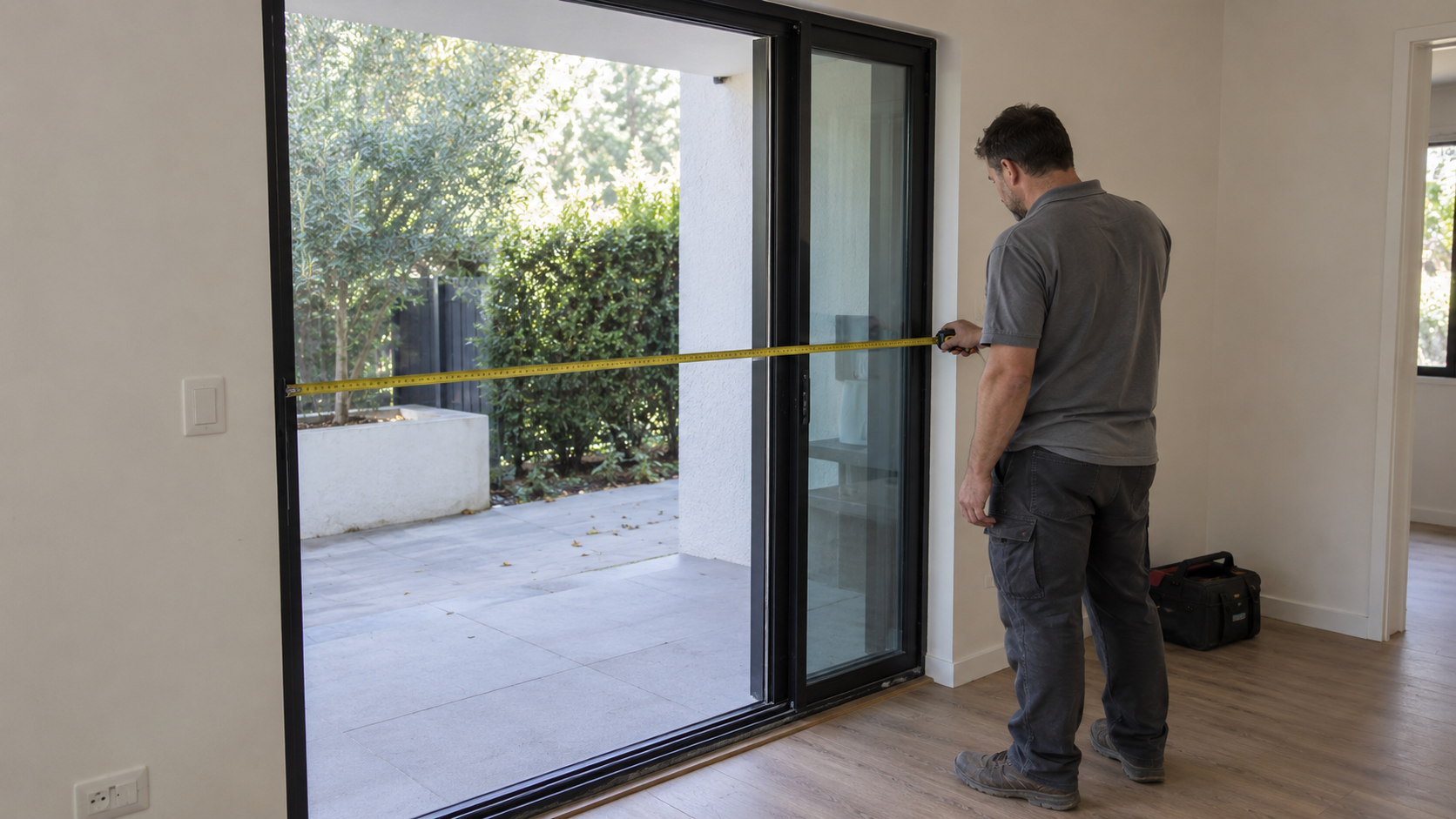
Illustrative sliding-door site-survey scene.
A useful magnetic sliding door operator enquiry describes the complete door, the available installation space and the components you want to buy. For door manufacturers, distributors and project buyers, putting these details into one specification sheet gives suppliers a consistent basis for reviewing the application and preparing a quotation.
Use the checklist below to prepare your requirements. Mark unknown items as “to be confirmed” and identify estimated dimensions or weights. Ask the supplier to confirm the proposed model and configuration against your drawings before placing an order.
Complete the project specification sheet
Prepare one sheet for each distinct door configuration. If a project includes several door sizes, give each configuration its own reference and quantity.
| Specification | Information to provide |
|---|---|
| Project and contact | Project reference, company, contact person and your role as manufacturer, distributor, installer or project buyer |
| Application and destination | Building use, installation country and indoor or outdoor location |
| Door arrangement | Single moving leaf, two opposing leaves or linked panels; identify fixed and moving panels |
| Door construction | Material, profile section and relevant glazing or hardware details |
| Size of each moving leaf | Width, height and thickness in millimetres |
| Weight of each moving leaf | Complete moving-leaf weight in kilograms, including its frame and fitted hardware; mark measured or estimated |
| Opening and movement | Required clear opening, travel distance and open and closed positions |
| Available installation space | Height, depth and length available for the operator assembly; include a section drawing |
| Supporting assembly | Existing or proposed track, hangers, guide components and fixing arrangement |
| Use and controls | Expected usage, activation method, access-control requirements and desired operating modes |
| Operating environment | Known exposure to moisture, dust or temperature conditions, plus any special application requirements |
| Power supply | Available supply at the installation location and any backup-power requirement |
| Supply scope | Drive component or operator assembly, required accessories and items supplied by others |
| Purchasing details | Quantity for each configuration, sample requirements, delivery destination and requested delivery date |
| Documents | Drawing references and revisions, photographs for an existing installation and required product documentation |
Record the weight of each moving leaf separately. For two leaves, ask the supplier to state whether the quoted capacity applies to each leaf or to the combined assembly. Keep the required clear opening and leaf travel as separate entries so the proposed movement can be checked against the layout.
If the visible aluminium frame is the main design constraint, use the additional checks in our guide to magnetic sliding door operators for slim aluminium profiles.
Ask the supplier to complete the configuration response
The buyer’s sheet describes the requirement. The supplier’s response should identify the assembly being offered and explain which items still need confirmation.
Ask for:
- The exact model, configuration and drawing revision used for the proposal.
- The load rating and its basis, including the door arrangement to which it applies.
- The complete assembly dimensions and the installation and servicing space required.
- The proposed track, hangers, guide components and interfaces with your door structure.
- The controller, power supply and accessories included in the proposal.
- Any differences from your requirements and the information needed to resolve them.
A family name or catalogue headline leaves room for different configurations. Keep the supplier’s answers attached to the quotation so that the model, drawings and supply scope can be reviewed together.
For a comparison of drive approaches, see CF magnetic linear drive and QT gearless sliding door operators.
Confirm controls and required door behaviour
Describe what should happen when a person approaches the door, when access is restricted and when power is interrupted. Ask the supplier to confirm how the proposed controller and accessory combination addresses those requirements.
For an access-control connection, identify the existing equipment and provide its interface information where available. Ask who supplies and connects each device. A general statement of compatibility does not specify the connection for your installation.
Also identify any detection, protective functions or product documentation required by the project. Request confirmation for the proposed assembly. Do not assume that the term “magnetic” establishes a particular safety function, certification or suitability for a specialised application.
Confirm what the quotation includes
Use the following list when reviewing supply scope. For every item, mark “included”, “optional”, “buyer supplied” or “not applicable”. Add the exact component reference and quantity where relevant.
| Item to confirm | Supplier’s answer |
|---|---|
| Drive and moving components | Status, reference and quantity |
| Controller and power supply | Status, reference and quantity |
| Track, hangers, guides and mounting parts | Status, reference and quantity |
| Covers and installation hardware | Status, reference and quantity |
| Activation and detection devices | Status, reference and quantity |
| Access-control interface and locking devices | Status, reference and quantity |
| Backup-power equipment, if requested | Status, reference and quantity |
| Drawings, installation instructions and setup information | Document references and availability |
Before comparing prices, check that suppliers have quoted the same door arrangement and supply scope. Ask separately about sample availability, the proposed delivery schedule, warranty terms and support for installation. Treat these as quotation questions rather than assumed commitments.
Send the checklist with the relevant drawings
Include a door elevation, an opening plan and a section through the proposed operator space. Label fixed and moving panels and show the required travel. For an existing installation, photographs can help explain the surrounding structure and access, alongside measured dimensions.
Use a simple file reference and revision for each drawing. If you are comparing several configurations, match each sheet to its drawings and requested quantity. List unresolved items in the enquiry so the supplier can identify what is needed before confirming a model.
Review the PTADOOR magnetic door operator range, then contact PTADOOR with your completed specification checklist. Include your leaf dimensions and weights, opening arrangement, installation drawing, requested supply scope and quantity. Ask for a proposal that identifies the exact configuration, supporting drawings and any requirements still to be confirmed.
Identify the CF-40 components being quoted
For a CF-40 enquiry, identify the drive and accessory components in the proposed package:
- Linear motor with main control.
- Power supply and power cable.
- Track and moving track.
- Stoppers, junction block and cable fixing plate.
Ask for the component references, quantities and track lengths for the proposed configuration. List any required switches, detection devices, locks and installation items separately, with their included, optional or buyer-supplied status. A component illustration does not replace the supply scope in the quotation.
Separate component, operator-kit and complete-door prices
When comparing automatic door costs, first establish what each price buys. A drive component, a defined operator kit and a complete installed door are different supply scopes. Keep the door arrangement and required functions consistent before comparing totals.
- Drive component: identify the motor or drive module, the matching controller and the items that your own door design must provide.
- Operator assembly or kit: ask for the item references and quantities of the supplied track, mounting parts, controls and accessories. The word “kit” does not define a universal contents list.
- Door and project work: identify the door leaf, frame, site preparation, wiring, installation and commissioning separately, including which party provides each item.
Request comparable prices for the same configuration and quantity. List optional activation devices, detection equipment and locking components separately. For button-operated projects, use the push-button and sensor activation checklist to define the controls before comparing accessory costs.
Record currency, delivery destination, freight basis, taxes or duties, quote validity and support terms in the commercial comparison below. Mark unpriced work or components as unresolved rather than treating them as included. A low component price does not establish the total cost of an installed project.
Compare two quotations against the same project baseline
Use the same configuration, quantity and drawing revision for both offers. Copy the tables below into your review document. In each quote column, enter the supplier’s answer and the relevant component, quantity or document reference. Mark unanswered items “To confirm”. These are comparison prompts, not a statement of the contents of any PTADOOR package.
For component rows, use “Included”, “Optional”, “Buyer supplied”, “Not applicable” or “To confirm”. Record currency, quantity and delivery basis before comparing totals. Do not treat an unknown charge as zero.
Project baseline
| Item to compare | Quote A | Quote B | Difference / evidence needed |
|---|---|---|---|
| Configuration reference / quantity | To confirm | To confirm | To confirm |
| Drawing reference and revision | To confirm | To confirm | To confirm |
| Door arrangement and installation location | To confirm | To confirm | To confirm |
| Requirement sheet version and date | To confirm | To confirm | To confirm |
Components and supply scope
| Item to compare | Quote A | Quote B | Difference / evidence needed |
|---|---|---|---|
| Drive components: item reference and quantity | To confirm | To confirm | To confirm |
| Controller and power supply: item reference and quantity | To confirm | To confirm | To confirm |
| Track / hangers / guides / fixings | To confirm | To confirm | To confirm |
| Covers / mounting hardware | To confirm | To confirm | To confirm |
| Activation / detection devices | To confirm | To confirm | To confirm |
| Access-control / locking interface | To confirm | To confirm | To confirm |
| Backup power if required | To confirm | To confirm | To confirm |
| Door leaf / frame supplied by whom | To confirm | To confirm | To confirm |
Supporting technical documents
| Item to compare | Quote A | Quote B | Difference / evidence needed |
|---|---|---|---|
| Assembly drawing revision and installation envelope | To confirm | To confirm | To confirm |
| Load-rating document and configuration basis | To confirm | To confirm | To confirm |
| Interface documents / wiring information | To confirm | To confirm | To confirm |
| Installation / setup / maintenance documents | To confirm | To confirm | To confirm |
| Project-specific documentation / evidence requested | To confirm | To confirm | To confirm |
Work and support responsibilities
| Item to compare | Quote A | Quote B | Difference / evidence needed |
|---|---|---|---|
| Mechanical integration and installation | To confirm | To confirm | To confirm |
| Electrical connection and controls integration | To confirm | To confirm | To confirm |
| Commissioning / acceptance evidence | To confirm | To confirm | To confirm |
| Maintenance / spare parts / support boundary | To confirm | To confirm | To confirm |
Commercial terms
| Item to compare | Quote A | Quote B | Difference / evidence needed |
|---|---|---|---|
| Sample quantity / unit price / currency | To confirm | To confirm | To confirm |
| Production quantity / unit price / currency | To confirm | To confirm | To confirm |
| Freight / destination / delivery basis | To confirm | To confirm | To confirm |
| Taxes / duties / responsibility | To confirm | To confirm | To confirm |
| Delivery proposal / quote validity | To confirm | To confirm | To confirm |
| Warranty / support terms reference | To confirm | To confirm | To confirm |
| Payment terms / excluded services | To confirm | To confirm | To confirm |
Unresolved differences and final revision
| Item to compare | Quote A | Quote B | Difference / evidence needed |
|---|---|---|---|
| Unpriced or unresolved differences | To confirm | To confirm | To confirm |
| Named responsible role / required evidence | To confirm | To confirm | To confirm |
| Decision date / agreed revision / sign-off | To confirm | To confirm | To confirm |
For each open difference, record a responsible role, the information needed to resolve it and a target review date. Close the issue against an agreed quotation or document revision. A completed comparison records the purchasing review; it does not establish engineering suitability or certification.
For a packaged operator enquiry, review the CF-F40 operator. For component integration, review the CF-40 linear-drive component page. Confirm the configuration and supply scope before comparing the offers.

